
WhatsApp scheduled messages are on the way: the app has announced a feature that lets you write a message now and have it delivered at a time you choose, in both one-to-one and group chats. It is rolling out globally over the coming weeks, so Singapore users should see it appear in their app soon.
How WhatsApp scheduled messages work
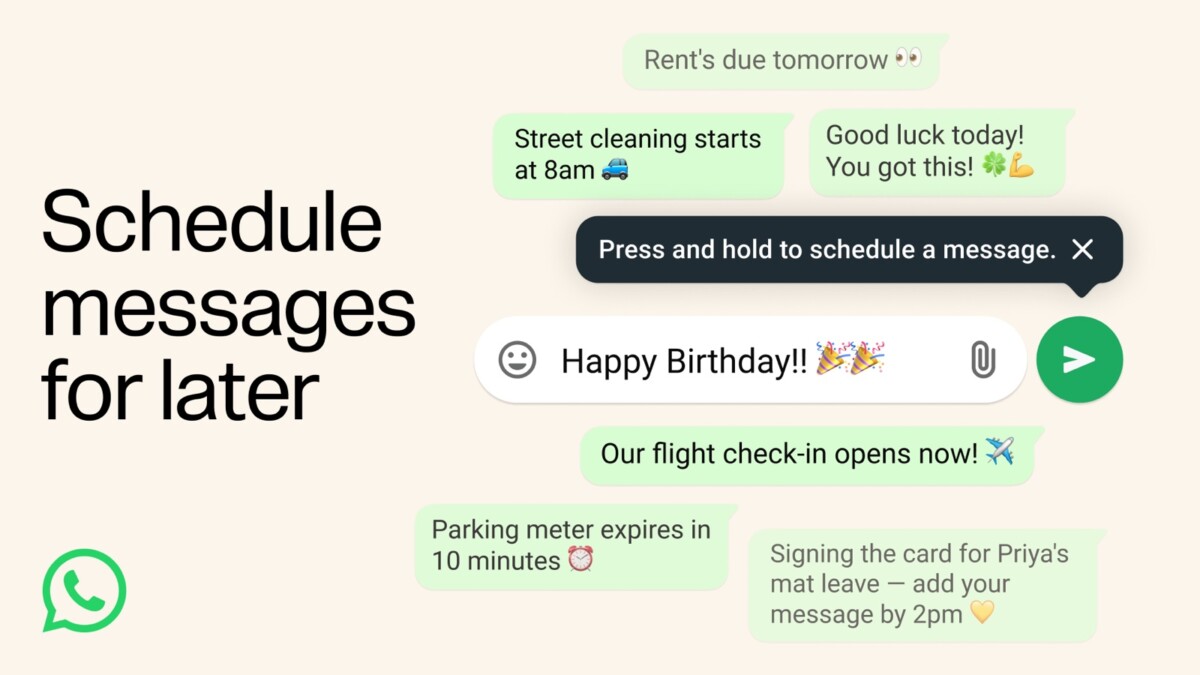
Press and hold the send button, then pick a date and time anywhere from 10 minutes to 14 days ahead. You can schedule text or a single photo or video, with up to 30 scheduled messages per chat.
What you can do before a message goes out
- Review and delete: you can view your upcoming scheduled messages and delete any before they are sent.
- Edit by replacing: to change the wording or timing, delete the scheduled message and create a new one. The recipient is not notified.
- Phone off? No problem: messages are sent at the chosen time even if your phone is off or out of battery. If the recipient is offline, the message appears when they reconnect, like any other WhatsApp message.
- Same privacy: scheduled messages remain end-to-end encrypted, and arrive looking like any other message, so the recipient will not know it was scheduled in advance.
Why it matters for Singapore users
WhatsApp is the default channel for family chats, work groups and school parents’ groups here, so a delayed send has plenty of everyday uses. WhatsApp’s own examples include a good-luck message before the school day starts, or a message written late at night that would land better in the morning. It could also help with festive greetings that you want to arrive on the dot, or for avoiding after-hours pings to colleagues.
For more on Singapore tech and telco news, see our Black Friday 2026 deals guide and our report on the StarHub and M1 merger.
Meta has published more detail in its WhatsApp blog post.
Images: WhatsApp. Information from a media alert issued by Eastwest PR on behalf of WhatsApp.