A genuine tax refund does not need you to trust a link in an email, SMS, WhatsApp message or advertisement. The safest route is to close the message, open myTax Portal independently and check notices, account details and the refund there.
The reader task is to verify a claimed refund without opening the supplied link or disclosing credentials. The article therefore keeps the governing fact, the calculation or comparison, and the final decision in separate steps.
Use the zero-link rule
Message
IRAS warns about refund and payout pages that imitate myTax Portal, show a fabricated amount and collect credentials or card details.
Official source 1 was opened on 29 August 2026 and checked for this exact message claim.
Check sender and destination separately
Portal
Type the known IRAS address or use a saved trusted bookmark. Do not use a search advertisement or a message link to reach the portal.
Know how a real refund is paid
Sender
A display name can be forged. Check the actual email domain or SMS sender context, but do not treat sender appearance alone as proof.
Act quickly after any disclosure
Payment
Real refunds follow IRAS account and payment arrangements. A demand for card details, OTP, remote access or an advance fee is a stop signal.
Use the zero-link rule
Reporting
ScamShield provides checking and reporting guidance. If money or credentials were exposed, contact the bank immediately and make the appropriate report.
Official source 2 was opened on 29 August 2026 and checked for this exact reporting claim.
Build the working file
The first original tool is a 60-second verification route that never uses the message link. Create it from the dated source material, show every input and keep the unresolved cells visible. A correct-looking answer with an undocumented input is not ready for a decision.
The second tool is a channel-by-channel table for email, SMS, calls and fake portal pages. Use it after the first tool, because the comparison only adds value when the underlying person, entity, place, account or time period has already been matched correctly.
Ask another person to repeat the result from the saved evidence without seeing your conclusion. If they cannot reproduce the same branch, inspect the source date, definition, arithmetic and exception before relying on it. This catches errors that a polished summary can conceal.
A decision table you can use
| Email button | Do not click | Open myTax Portal independently |
| SMS link | Do not tap or reply | Check portal and official notice |
| Phone urgency | Hang up | Call published IRAS contact |
| Fake portal entered | Disconnect and record | Change credentials, call bank, report |
The table is a working aid. Date the evidence, preserve the original notice or statement, and flag any cell that depends on an assumption rather than a controlling source.
Where this decision commonly goes wrong
Do not combine message, portal, sender into one yes-or-no box. Each answers a different question and can change on a different date. A pass on one row does not cure a failure on another.
Do not convert an authority’s illustration, capacity figure, proposed rule, programme status, straight-line distance or published operating hour into a personal guarantee. Keep the source’s own limitation beside the number whenever it affects money, timing, access, safety or eligibility.
Before choosing, write down the strongest reason the opposite decision could be right. Then identify the evidence that would switch your answer. This small counter-case prevents the first attractive number, convenient route or reassuring label from controlling the whole judgment. If no evidence could change the conclusion, the exercise has become advocacy rather than a decision.
Finally, set a review trigger. Reopen the controlling page when a deadline passes, a formal notice arrives, the person or entity changes, the route is altered or the decision is delayed. The current answer remains useful only while its material inputs remain current.
Worked example
A taxpayer receives a page promising S$450 within minutes. The taxpayer does not debate the logo or grammar. They close it, access myTax Portal through a trusted route and find no corresponding notice, then report the message.
This example is an illustration, not a report of a real person, interview, visit, taste test, price check or transaction. It shows how to apply the decision method while keeping the underlying evidence visible. Replace every sample input with the reader’s own current evidence before using the outcome.
What to verify before acting
- Open the current authority, operator or organiser page instead of relying on a saved social post.
- Match the rule or listing to the correct person, entity, property, platform, route or account.
- Record the effective date, closing date or data date separately from the webpage update date.
- Check any amount, threshold, deadline and exception against the exact source passage that controls it.
- Keep a stop condition for missing evidence, changed access, conflicting dates or an unaffordable downside.
Limits and next reading
Scam formats change. A checklist lowers risk but cannot authenticate every message. Use current IRAS and ScamShield channels, and respond urgently when financial or login data may have been exposed.
For useful context on the next decision, LBRD explains how to check how genuine IRAS refunds work. A second practical progression is to stop a remote-access scam sequence. Both links were checked against the intended live pages before publication.
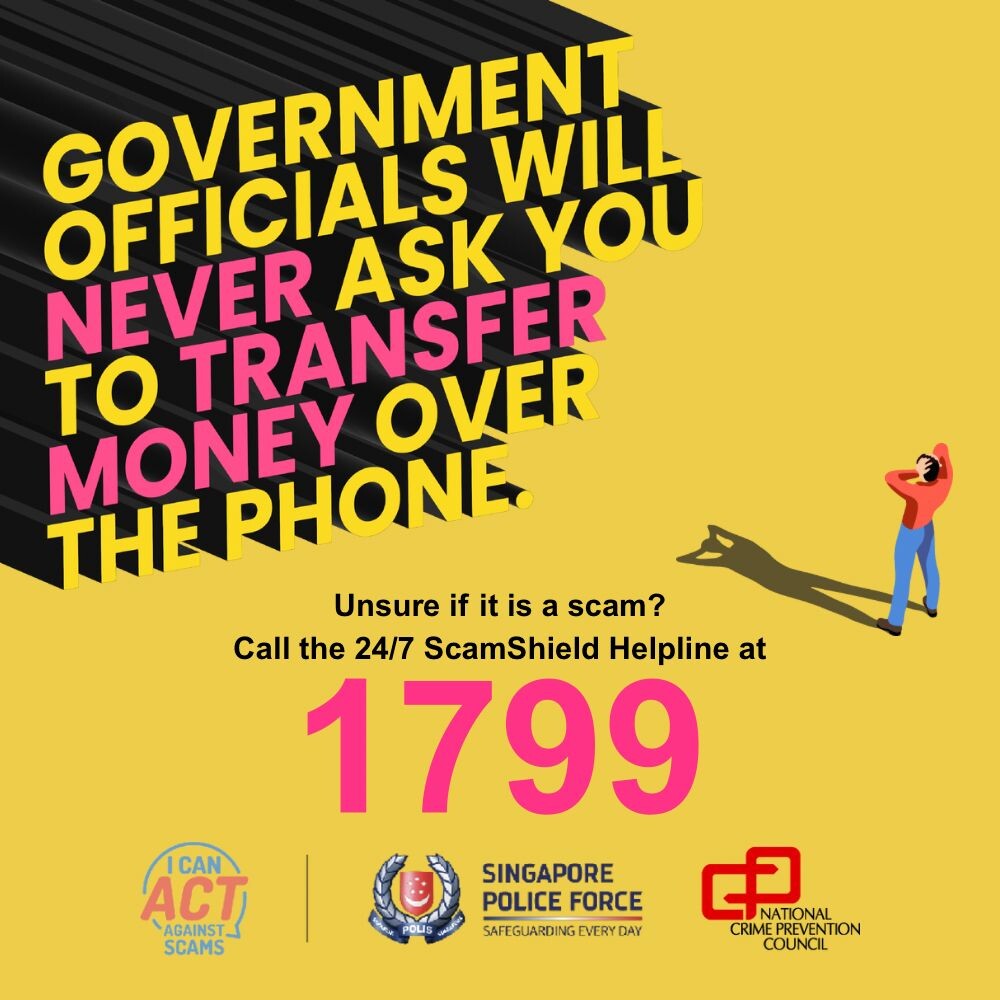
Featured image: Example of the tax-refund scam. Image: Inland Revenue Authority of Singapore. Image source and rights record.