
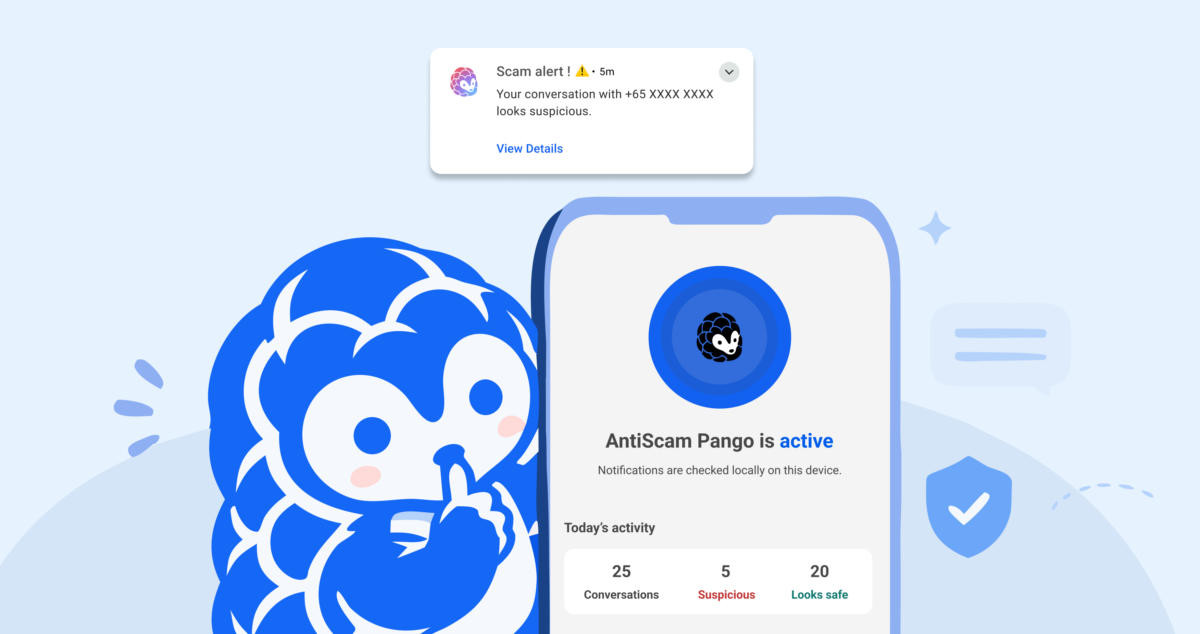
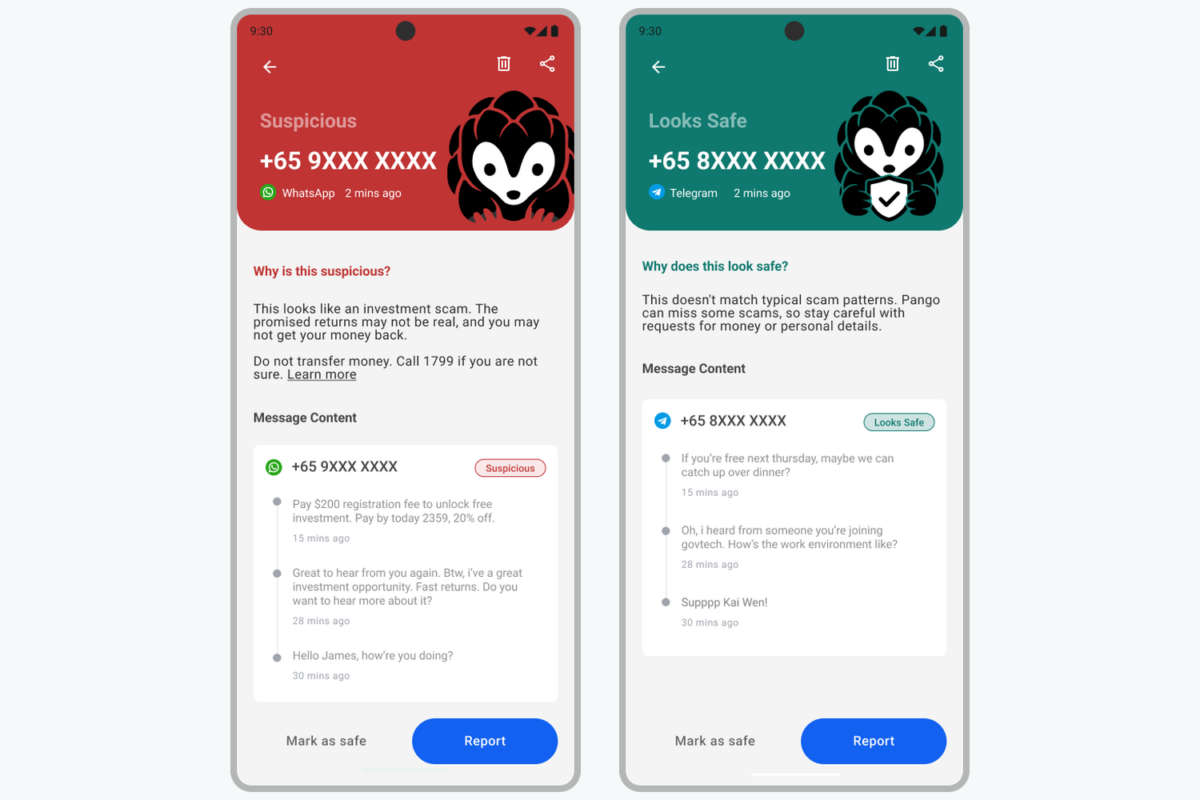
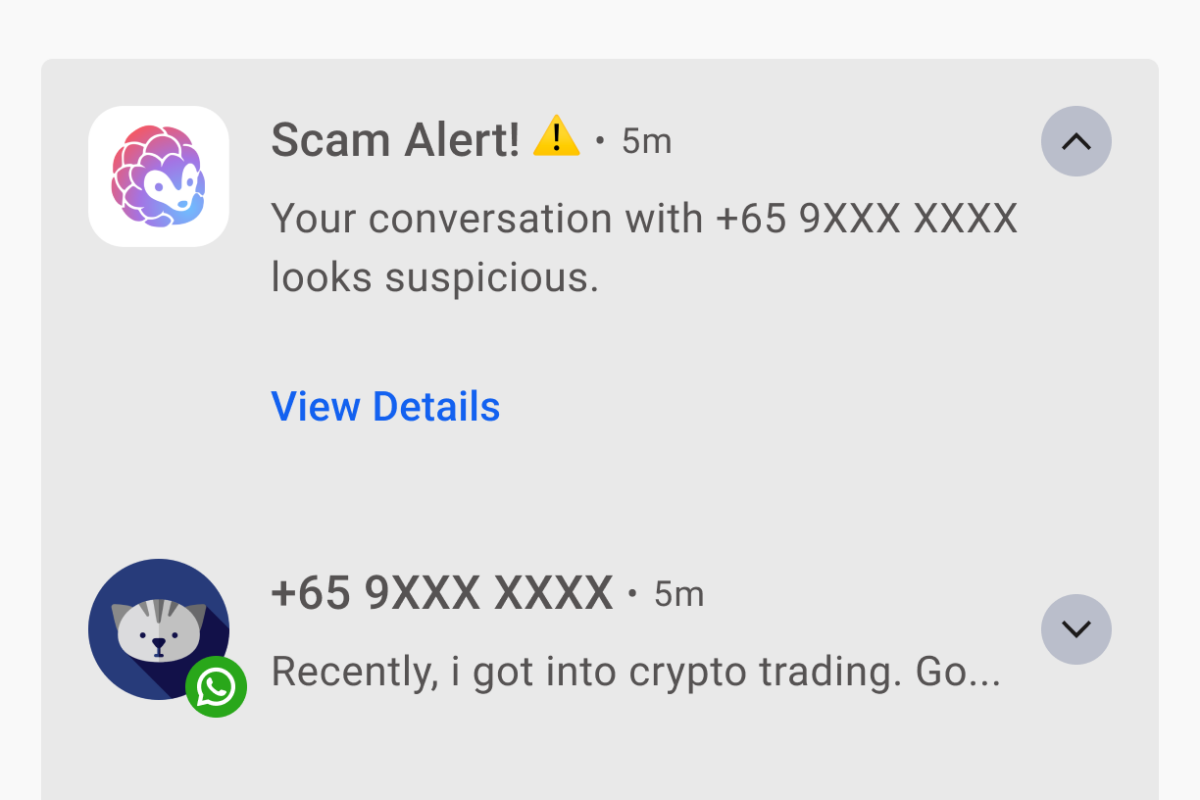
GovTech’s scam-spotting app, AntiScam Pango, is now available as a beta on Google Play for Android phones. It reads incoming WhatsApp, Telegram and Messages notifications on the phone and raises a Scam Alert when a conversation looks suspicious.
The Straits Times reported that the app was built with Google DeepMind. In October, LBRD covered the on-device scam model the two were developing for a phased rollout. Pango is the first form of it that people in Singapore can install.
Which phones it runs on
Pango needs Android 12 or newer and at least 6GB of RAM. Google Play will not offer the install on a phone that falls short. The download is large, at an estimated 300MB, because the AI model ships inside the app, so Wi-Fi is the sensible choice.
There is no iPhone version. Android lets an app read notifications from other apps as they arrive, and iOS has no equivalent feature. GovTech is looking at other ways to bring Pango to iOS.
The app should only be installed from Google Play, with Government Technology Agency shown as the publisher, even when a friend or relative sends the link.
What it scans, and what it misses
Only three apps are covered: WhatsApp, Telegram and Messages. Messenger, Instagram, WeChat, LINE, Signal and every other app are outside its reach. Each of the three can be switched off under Settings, then Apps to Scan.
The model is trained on English scam messages and works in English only for now. A scam written in Chinese, Malay or Tamil can pass without an alert.
Because Pango works from notifications, it cannot see a muted chat, or a message that arrives while that conversation is already open on screen. It also cannot read chat history from before it was installed.
What leaves the phone
Messages are analysed and stored on the device, and GovTech cannot see them. Three things can leave the phone, none tied to a name or number:
- a scam report, which the user reviews before sending
- aggregated counts, such as messages scanned and flagged, which are off by default
- standard app analytics, such as crashes, app version and device model
Scanned messages are deleted automatically after 7, 14 or 28 days, at the user’s choice, with 14 days recommended. Uninstalling the app wipes its history, safe senders list and settings, but submitted scam reports stay with GovTech and cannot be withdrawn.
Permissions and setup
Two permissions are mandatory: notification access, so Pango can read messages, and notifications, so it can warn the user. Without either, it does nothing. Contact access is optional and cuts unnecessary alerts from saved contacts, though suspicious messages from contacts are still flagged. A third option, display over other apps, turns the warning into a pop-up over whatever app is open.
Contacts added as safe senders are not scanned at all. GovTech cautions that a safe sender whose account is taken over will not trigger a warning.
Pango or ScamShield
Pango sits alongside ScamShield rather than replacing it, and the two can run together. ScamShield blocks scam calls, filters suspicious SMS and handles reports on numbers and links. Pango adds live screening of chats on messaging apps, including from numbers no one has reported yet. For most people, ScamShield remains the recommended starting point.
Police figures put scam cases at 16,821 in the first half of 2026. The app’s official site says more than 4,000 cases reached victims through WhatsApp or Telegram.