Eligible Singapore Citizen children aged 0 to 12 in 2026 receive S$500 each. Children born from 2014 to 2025 are credited from 14 July 2026; children born in 2026 receive theirs in April 2027. No application is required.
MSF Child LifeSG Credits announcement: MSF’s announcement gives the S$500 amount, eligible ages, disbursement timing, LifeSG wallet use, merchant QR types and scam warning. MSF Child LifeSG Credits timeline: Ask MSF provides the birth-year schedule, assessment date and CDA trustee timing.
Who gets the S$500 credit
| Fact pattern | Evidence or decision |
|---|---|
| Child born 2014 to 2025 and eligible | Trustee checks LifeSG from the July disbursement period |
| Child born in 2026 | Expect the April 2027 timeline |
| Merchant accepts PayNow UEN QR or NETS QR | Credits may be usable through the LifeSG wallet |
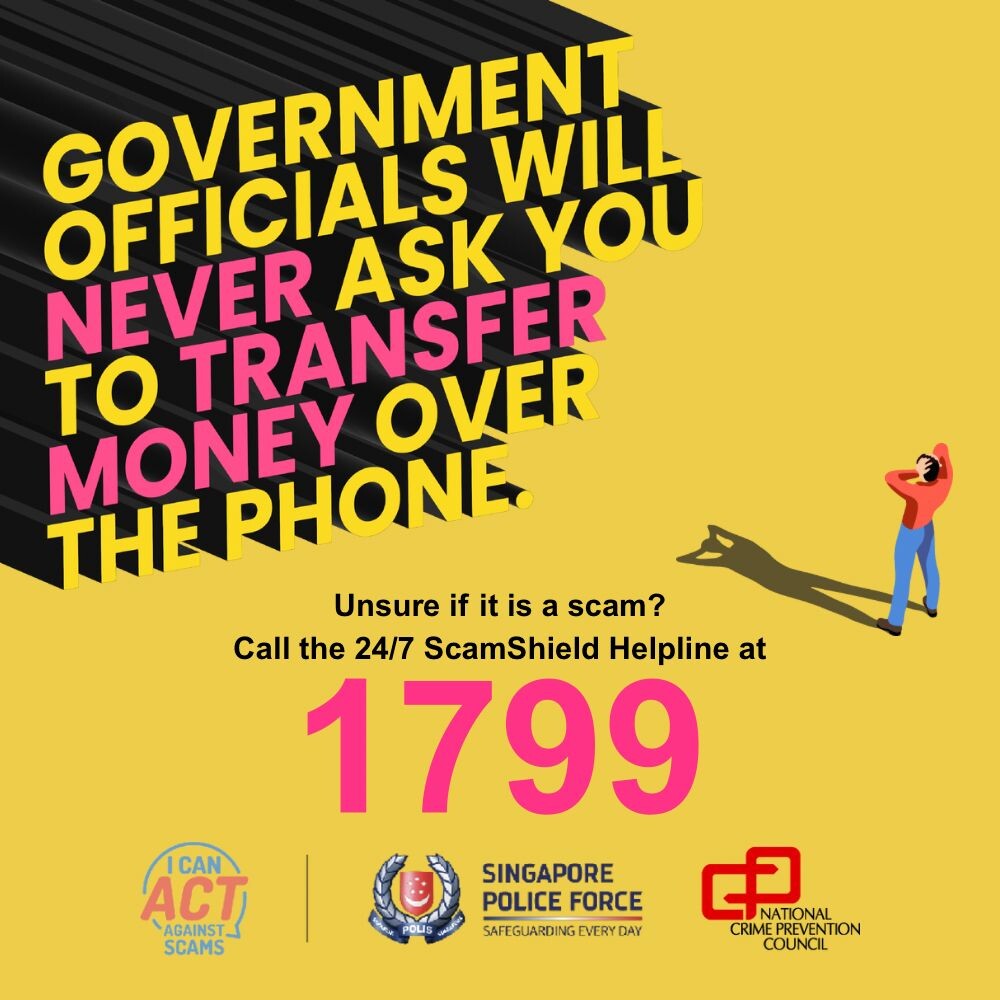
| SMS asks for a reply, personal data or bank login | Do not respond; genuine notice is from gov.sg and does not ask for those |
The birth-year payment timeline
Check the right trustee account. The credit goes to the CDA trustee based on MSF records at the 1 June 2026 assessment date. The parent who expects it may not be the recorded trustee.
Distinguish wallet and CDA. The trustee accesses Child LifeSG Credits through the LifeSG app. Do not treat them as unrestricted cash in the child’s CDA.
Check the correct trustee’s LifeSG wallet
Test the merchant QR before queuing. Look for a PayNow UEN QR or NETS QR and ask whether the merchant accepts the credit. Person-to-person QR codes are not the stated route.
Which merchant QR codes work
For multiple eligible children, record each credit and expiry or programme terms shown in LifeSG. Avoid spending one child’s balance by assumption.
A two-child example
A family has children born in 2015 and 2026. The older child’s S$500 is expected from 14 July 2026, while the baby’s credit is scheduled for April 2027. The trustee opens LifeSG directly, checks both records and ignores a message link that asks for Singpass details.
A scam-safe payment checklist
- Confirm each child’s citizenship and birth year
- Identify the recorded CDA trustee
- Update the trustee’s Singpass mobile number
- Open LifeSG directly
- Check balance and terms
- Confirm merchant QR type
- Keep receipts for family tracking
Avoid these unsafe shortcuts
- Applying through an unofficial form
- Expecting a 2026-born child’s credit in July
- Paying to a personal QR
- Replying with personal data
- Assuming one parent is the trustee
Child LifeSG answers
How much is the 2026 credit?
S$500 for each eligible child.
Is an application needed?
No. MSF says crediting is automatic.
What will the SMS ask for?
It will not ask for a reply or personal information.
Check birth year and trustee before chasing a payment
List every eligible child by birth year. Singapore Citizen children born from 2014 to 2025 follow the disbursement beginning 14 July 2026, while a child born in 2026 follows the April 2027 timeline. This immediately explains why two children in the same household may not show credits at the same time.
The relevant adult is the CDA trustee in MSF’s record at the assessment date, not necessarily the parent checking first. The trustee should open LifeSG directly with Singpass and view the wallet there. Do not apply through a message link or treat the credit as unrestricted cash in the child’s bank account.
At payment, look for the eligible merchant QR route stated by MSF, such as PayNow UEN QR or NETS QR, and confirm acceptance before queuing. A personal QR is not the same. Genuine status messages do not ask for a reply, banking login or personal information; when in doubt, ignore the link and check the app independently.
For households with several children, keep a simple balance log by child rather than relying on the total visible during a busy purchase. Note the merchant, date and amount after each transaction. The log is a household tool, not a government requirement, but it helps the trustee reconcile receipts and prevents assumptions about which child’s wallet funded a payment. If an expected credit is absent, first recheck the birth-year timeline, citizenship and trustee record in the official channels. Save a screenshot of the app status and contact MSF or LifeSG through published support routes instead of submitting identity details to someone who approaches by message.
A merchant’s acceptance can change, so look for the correct QR and ask before the goods are scanned. If the LifeSG payment fails, do not keep retrying through a link sent by someone claiming to help. Return to the app, check the balance and merchant route, and use official support. Keep another payment method available for an essential purchase.
The credits are a family support measure, but they still benefit from ordinary budgeting. Decide which child-related needs the household plans to cover and compare receipts with the remaining wallet balance. Avoid buying something solely because the credit is available. The useful test is whether the purchase fits the family’s priorities and the merchant is genuinely eligible.
If the recorded CDA trustee changed near the assessment date, allow for records to update and seek official help with the relevant dates. Do not create a second application or ask a merchant to solve a wallet issue. The credit is automatic for eligible children, so troubleshooting should focus on eligibility, trustee identity, app access and the published disbursement schedule.
Related reading: The next practical guide is How to check a child’s immunisation record. Use Another family account task only when that becomes the immediate task.